
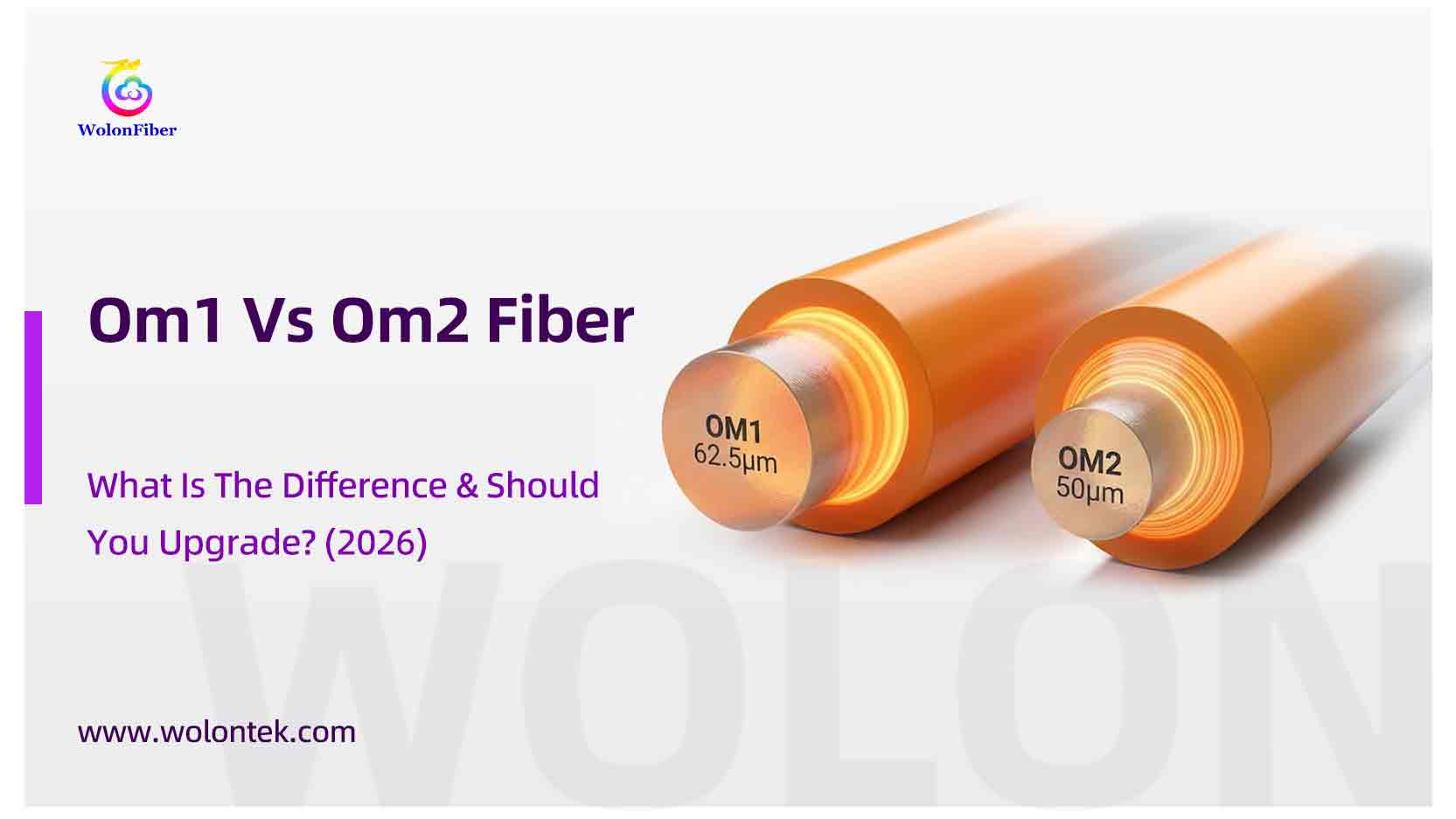
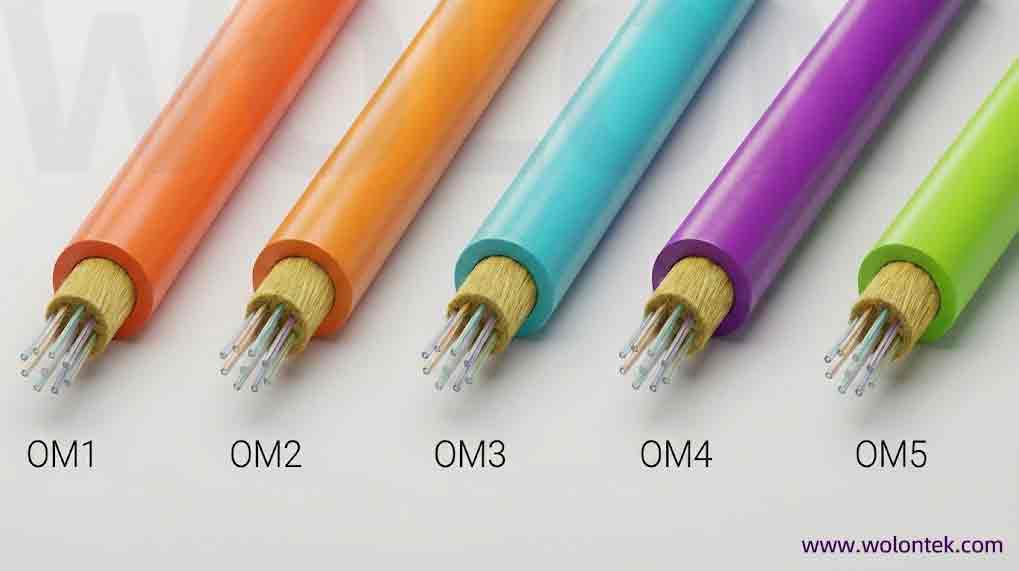
In 2026, most data centers are running on Aqua (OM3/OM4) or Lime Green (OM5) cables. But open the ceiling tiles of an old office building or a factory, and you will likely see a sea of Orange cables.
These are the ancestors of modern multimode fiber: OM1 and OM2.
If you are maintaining an old network, you might be asking: “OM1 vs OM2—are they compatible? Can I mix them? Which one do I have?”
Even though they look identical (both usually have orange jackets), mixing them is a disaster for your signal loss.
In this guide, we break down the technical differences between OM1 vs OM2, explain the “Core Size” danger, and advise on when to maintain—and when to replace.
The Quick Answer: What’s the Difference?
The main difference lies in the Core Diameter and the Max Distance for Gigabit Ethernet.
-
OM1 fiber (62.5µm Core): The oldest standard. It has a wider core designed for old LED light sources. It creates more signal dispersion (loss).
-
OM2 fiber (50µm Core): An improvement. It has a narrower core, allowing light to travel further with less distortion.
Visual Identification: Sadly, both OM1 and OM2 typically use an Orange Jacket. You usually cannot tell them apart just by looking at the cable color. You must read the cable printing (jacket legend) to see “62.5/125” or “50/125”.
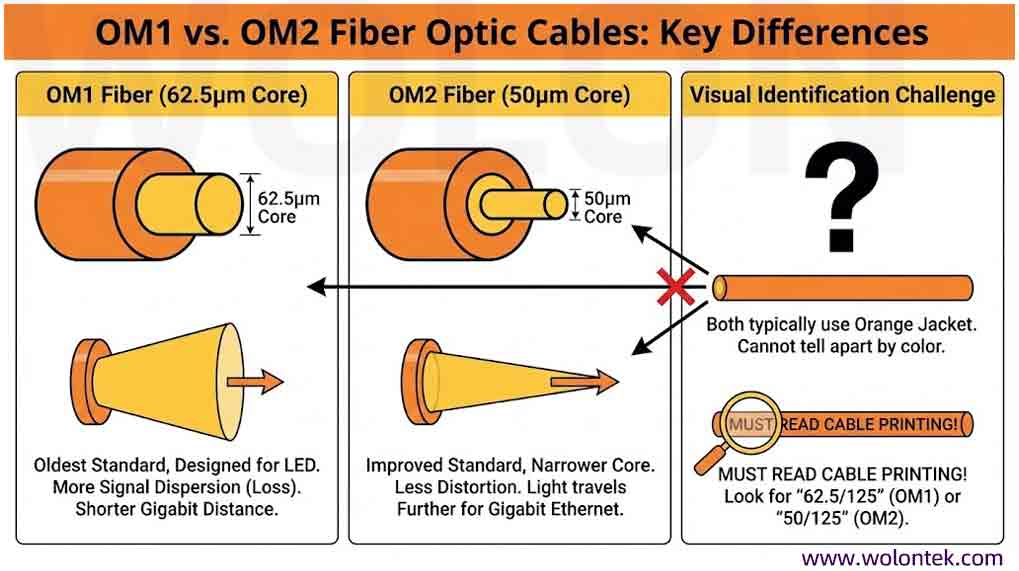
Comparison Table: OM1 vs OM2
Key Takeaway: OM2 provides double the bandwidth and nearly double the distance of OM1 for 1Gbps networks.
The Big Danger: Can I Connect OM1 to OM2?
NO. Do not mix them.
This is the most common mistake we see in field repairs. Because both cables are orange, technicians plug an OM1 patch cord into an OM2 patch panel.
Why is this bad?
-
OM1 (62.5µm) to OM2 (50µm): You are pouring water from a large bucket into a small pipe. The light hits the cladding of the smaller OM2 fiber and is lost. Result: High dB loss (approx 0.9dB – 1.6dB per connection), likely causing link failure.
-
OM2 (50µm) to OM1 (62.5µm): The small core feeds into the big core. This works theoretically, but it can cause “Mode Mixing” issues depending on the launch condition.
Verdict: Always check the print on the cable. Keep 62.5µm with 62.5µm, and 50µm with 50µm.
Why You Should Stop Buying Both (The Upgrade Path)
If you are building a new network in 2026, do not buy OM1 or OM2.
They are “LED-based” fibers. Modern networks use “VCSEL Laser” sources (850nm), which require OM3 or OM4 (Laser Optimized Multimode Fiber).
-
Cost Reality: Today, the manufacturing cost of OM3 (Aqua) is almost the same as OM1/OM2 because OM1 glass is becoming rare and niche.
-
Performance: OM3 supports 10Gbps up to 300 meters. OM1 fails at 33 meters.
When should you buy OM1/OM2? Only for Maintenance. If you have a legacy fiber plant running old 100Mbps or 1Gbps switches and you absolutely cannot replace the buried trunk cable, then you must buy matching patch cords.
Conclusion: Don’t Invest in the Past (Unless You Have To)
The battle of OM1 vs OM2 was decided 15 years ago. Today, investing heavily in Orange cable is like buying a DVD player in the age of streaming.
Our Honest Advice:
-
Maintenance: If you just need to replace one broken patch cord in an existing 1990s industrial rack, buy the matching OM1/OM2 cable. It’s the cheapest fix.
-
Expansion: If you are running new lines or expanding your office, stop using Orange cable. It costs roughly the same to install Aqua OM3, which gives you a 10G future-proof path instead of being stuck at 1G.
At Wolon, we support both your past and your future. We are one of the few factories that still manufacture legacy 62.5µm glass, but our engineers are ready to help you migrate to high-speed laser-optimized fiber.
What Does Your Network Need Today?
Don’t let legacy cabling slow you down. Choose the path that matches your project goal.
*Wolontek still manufactures legacy cables for maintenance support.
FAQ: Legacy Multimode Fiber
Q1: Why is OM1 cable orange?
A: The TIA-598 standard designated Orange for multimode fiber. In the early days, almost all multimode was OM1 or OM2. When Laser-Optimized fiber (OM3) came out, they switched to Aqua to distinguish it.
Q2: Can OM1 run 10 Gigabit?
A: Technically yes, but only for 33 meters. It is practically useless for 10G backbones. OM3 is the minimum standard for 10G.
Q3: Are OM1 and OM2 connectors the same?
A: Yes, they typically use ST, SC, or LC connectors. The connector hardware is the same; only the glass inside is different.