
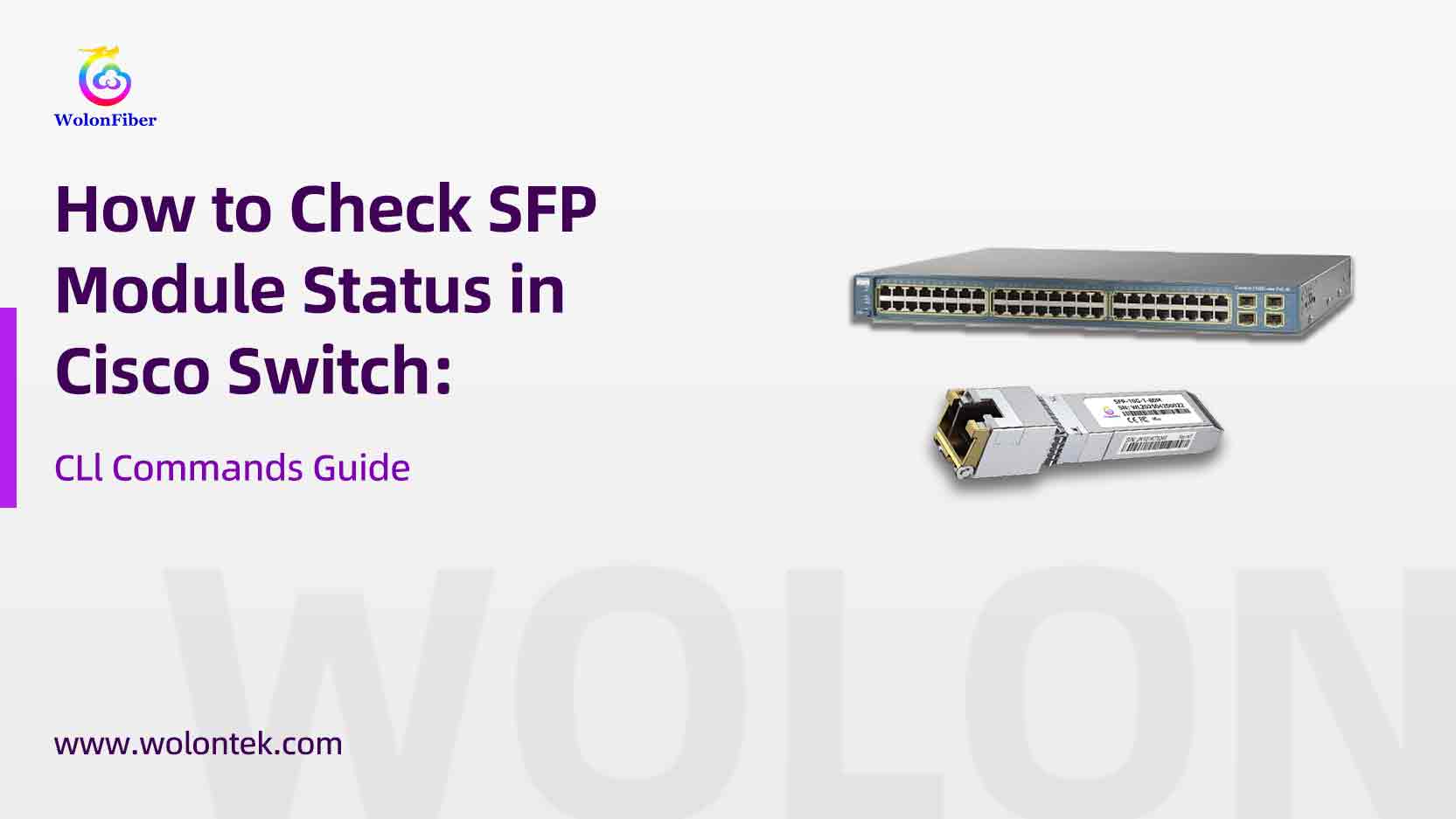
Why Checking Your SFP Module Status Matters
If you run fiber or copper uplinks in a small office, home lab, or data closet, SFPs (and SFP+) are the little parts that keep your links alive. This guide gives a practical, CLI-focused workflow for checking SFP health and diagnostics on Cisco switches, shows the exact commands you’ll use, explains what the numbers mean, and compares OEM (Cisco) vs third-party modules so you can pick the right SFP module supplier for reliability and cost. Where it helps, I reference Cisco’s own docs and test-tooling guidance so you can trust the numbers.
TL;DR — Quick checklist (run these in order)
-
SSH / console into the switch.
-
show interface status— confirm the port shows connected. -
show inventory— does the chassis detect an SFP (part number / PID / SN)? -
show interfaces <interface-id> transceiver detail ORshow interface transceiver detail— read DOM / DDM values: Tx/Rx power, temperature, voltage, bias current. -
show idprom interface <interface-id>(or)show idprom transceiver extended— read EEPROM/vendor/PN/serial from the SFP. -
If the port is err-disabled with “unsupported transceiver”, follow Cisco guidance or vendor docs (see troubleshooting below).
Run those commands first — they answer ~90% of “why my link is down?” cases.
The exact Cisco CLI commands (short reference)
Use these exact commands depending on platform / IOS version:
-
show inventory— lists installed FRUs including pluggable optics (PID, VID, SN). -
show interface status— quick up/down, speed, type. -
show interfaces <interface-id> transceiver detail
or on some platforms:show interface <interface-id> transceiver properties— returns DOM: TX power (dBm), RX power (dBm), temperature (°C), voltage (V), bias current (mA). Use this to verify optical budget and warning thresholds. -
show idprom interface <interface-id>(or)show idprom transceiver extended— dumps the SFP EEPROM (vendor, PN, serial, wavelength). Useful whenshow inventorydoesn’t show detailed optics info. -
show logging | include <interface|transceiver|unsupported>— check for err-disable or unsupported transceiver messages.
The “Magic” Commands for Third-Party Modules: If your switch blocks a non-Cisco module, these configuration commands are the industry standard fix:
-
service unsupported-transceiver -
no errdisable detect cause gbic-invalid(Note: Use these at your own risk, though high-quality vendors like Wolon code their EEPROM to avoid needing this.)
Note: exact command names can vary by Cisco platform (Catalyst IOS XE vs Nexus NX-OS), but show inventory, show interface transceiver detail, and show idprom are widely available across platforms.
 Tired of entering “Service Unsupported” ?
Stop hacking your switch config. Wolon SFP modules are pre-coded with the correct Cisco EEPROM handshake. They act exactly like the originals—Plug, Play, and No Errors.
 Request a Free “Error-Free” Sample
What the DOM/DDM numbers mean — and healthy ranges
When you run the transceiver detail command you’ll see values like:
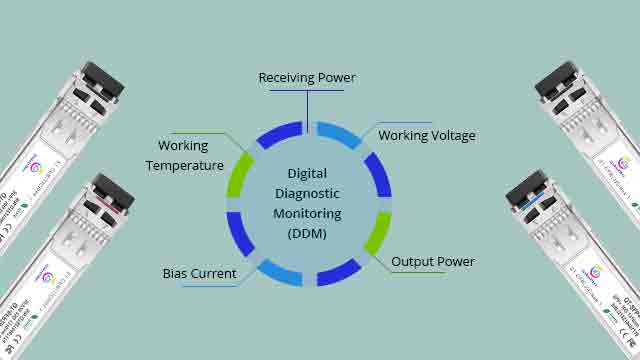
Tx Power (dBm) — optical power the module emits.
Rx Power (dBm) — optical power received (useful to check attenuation and connectors).
Temperature (°C), Voltage (V), Laser Bias Current (mA) — module electrical/thermal health.
 Reference: SFP Optical Power Levels (Healthy Ranges)
| Module Type | Reach | Typical Tx Power (dBm) | Min Rx Sensitivity (dBm) |
|---|---|---|---|
| 1G SX (Multimode) | 550m | -9.5 to -3 | -17 |
| 1G LX (Singlemode) | 10km | -9.5 to -3 | -20 |
| 10G SR (Multimode) | 300m | -7 to -1 | -10 |
| 10G LR (Singlemode) | 10km | -8 to +0.5 | -14 |
 Interpretation Tips for Engineers
- Cross-Check the Datasheet: Always compare your measured Tx/Rx with the specific Part Number specs. For example, a Cisco
GLC-SX-MMDis rated for ~550m on 50/125µm fiber. - Watch the BER (Bit Error Rate): For 10G/25G links, if your optical power is sitting right on the edge of the sensitivity limit (e.g., -14dBm for LR), you may experience packet drops. Modern Ethernet targets a BER of ~1e-12 or better.
- High-Power Warning: Long-range optics (40km/80km/ZR) operate at much higher dBm levels. Never look directly into the fiber, and use attenuators if testing short distances to avoid burning the receiver.
- Need a datasheet? Browse our SFP Module Catalog to see detailed specs for Wolon’s Cisco-compatible optics.
 Seeing High Optical Loss?
Not sure if your Tx/Rx levels are within the safe budget? Our engineers can help you analyze your DOM readings.
 Chat with an Optical Engineer
How to Pick an SFP Module Supplier (practical procurement checklist)
When evaluating Sfp Module supplier, insist on:
1.MSA compliance & standards — physical/eeprom format (SFF specs) and DOM support. (MSA = Multi-Source Agreement).
2.Datasheet & tested optical budget (Tx min/max, Rx sensitivity), and a sample test report that includes DOM readings and BER testing if possible.
3.Interoperability/compatibility list — vendor should publish confirmed platforms (e.g., “tested on Cisco Catalyst 9300/9500/Nexus 9K”).
4.Traceability & serial numbers — ask for SFP EEPROM programming (PN, SN) and a per-unit serial number for warranty / RMA.
5.Warranty & RMA policy — 30/90/1-year DOA & ongoing warranty; clear replacement SLA.
6.Batch testing — factory burn-in, optical power sweep, DOM verification, BER where applicable.
Typical reputable manufacturers and component houses include big optics players (II-VI/Coherent/Finisar, Lumentum, Broadcom/Avago) and system vendors or specialist houses that build finished SFPs (Source Photonics, Accelink, Innolight, FS, Wolon, ProLabs, etc.). 
Frequently Asked Questions (FAQ)
Troubleshooting Cisco SFP Issues
-
Q: My Cisco switch says “err-disable: unsupported transceiver”. How do I fix this?
A: This is a common error when using non-Cisco original modules. On most Catalyst switches, you can force the port up by entering configuration mode (
conf t) and running two commands:
1.service unsupported-transceiver(an undocumented command on some IOS versions)
2.no errdisable detect cause gbic-invalidNote: High-quality third-party suppliers like Wolon code their EEPROMs to mimic original Cisco attributes, often preventing this error entirely. -
Q: What is the difference between DOM and DDM?
A: They are effectively the same thing. DOM (Digital Optical Monitoring) and DDM (Digital Diagnostic Monitoring) both refer to the industry standard (SFF-8472) that allows the switch to read real-time parameters like Tx/Rx optical power, temperature, and voltage from the SFP module.
-
Q: Why do I see “Rx Power: -40.0 dBm” or “N/A” in the command output?
A: A reading of -40 dBm (or significantly below the sensitivity threshold) usually means no light is being received. This indicates a broken fiber cable, a dirty connector, or the remote transmitter is dead. If it says “N/A,” the SFP module installed may not support DOM features.
-
Q: Will using a third-party (compatible) SFP void my Cisco SmartNet warranty?
A: Generally, no. In the US, the Magnuson-Moss Warranty Act protects consumers from being forced to use OEM parts. Cisco typically states that if a hardware fault is caused by the third-party part, they won’t cover that specific repair, but they cannot void the warranty for the entire switch just because a non-Cisco SFP is plugged in.
-
Q: How does Wolon ensure compatibility with my specific Cisco Nexus/Catalyst switch?
A: Compatibility is defined by the data written to the SFP’s EEPROM chip. Wolon maintains a database of coding configurations for thousands of platforms (Cisco, Juniper, Arista, etc.). Before shipping, we program the specific “handshake” codes required by your hardware and verify them in our test lab to ensure plug-and-play functionality.
-
Q: Can I mix brands? (e.g., Cisco switch on one end, Juniper on the other)?
A: Yes. Ethernet is a standard protocol. As long as the optical specifications match (e.g., both sides are using 10GBASE-LR, 1310nm, Single Mode), the link will work perfectly, even if Side A uses a Cisco module and Side B uses a Wolon module for Juniper.
Why Network Pros Choose Wolon for Critical Links
If you are looking for a trusted SFP module supplier that balances performance with budget, Wolon Communication delivers the edge you need:
-
100% Cisco Compatibility: We code our EEPROMs precisely to match your platform (Catalyst, Nexus, NCS), preventing “unsupported transceiver” errors.
-
Rigorous Testing: Every unit undergoes DOM verification, temperature cycling, and BER stress testing before shipping.
-
Full Range Inventory: From standard 1G/10G/25G to high-speed 100G/400G/800G and specialized BiDi/CWDM/DWDM optics.
-
Fast RMA & Warranty: We stand behind our quality with a transparent warranty policy.

Don’t overpay for the brand label. Get the same Tier-1 optical performance straight from the Wolon factory.
Get a Quote & Compatibility List