Replacing branded optics with cost-effective alternatives is common in modern data centers — but doing so safely requires a process, not a gamble. This guide explains how to Replace transceiver With Dac solutions step-by-step, what to check when choosing a Dac Cable, and how a DAC Transceiver behaves compared with pluggable optics so you minimize downtime, warranty surprises, and interoperability problems.
Understand what you’re replacing: transceiver vs DAC
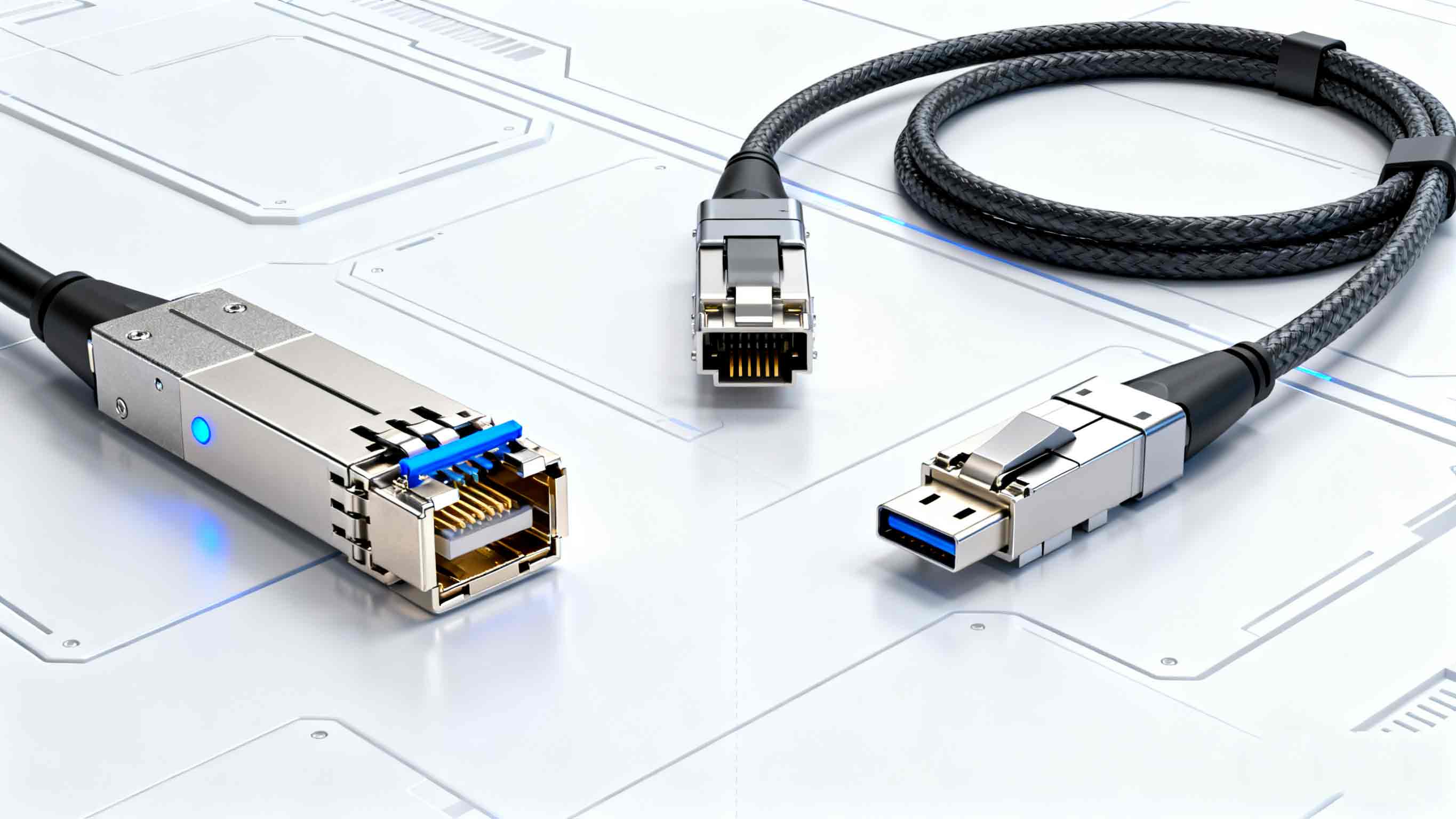
A transceiver (SFP/SFP+/QSFP) is an active, pluggable module that converts electrical signals to optical signals.
A DAC Transceiver in common usage refers to the electrical end-connector assembly used for short-reach copper twinax connections (often sold as a single assembly instead of two pluggables).
A DAC cable is typically either passive twinax or active (with electronics) and connects ports directly without separate pluggable optics.
Before you Replace Transceiver With Dac, confirm your port type (SFP+, QSFP+, QSFP28 etc.) and whether the host port supports a direct attach solution.
Know the standards and limits
DACs are governed by Multi-Source Agreements (MSAs) such as SFF-8431 / SFF-8436 for QSFP and SFP families; these define mechanical and electrical characteristics. Using a DAC cable that conforms to the relevant MSA dramatically increases the chance it will function like the original branded part. Check cable length limits (passive vs active) and power/pinouts before you Replace Transceiver With Dac.
Passive vs active: pick the right DAC cable
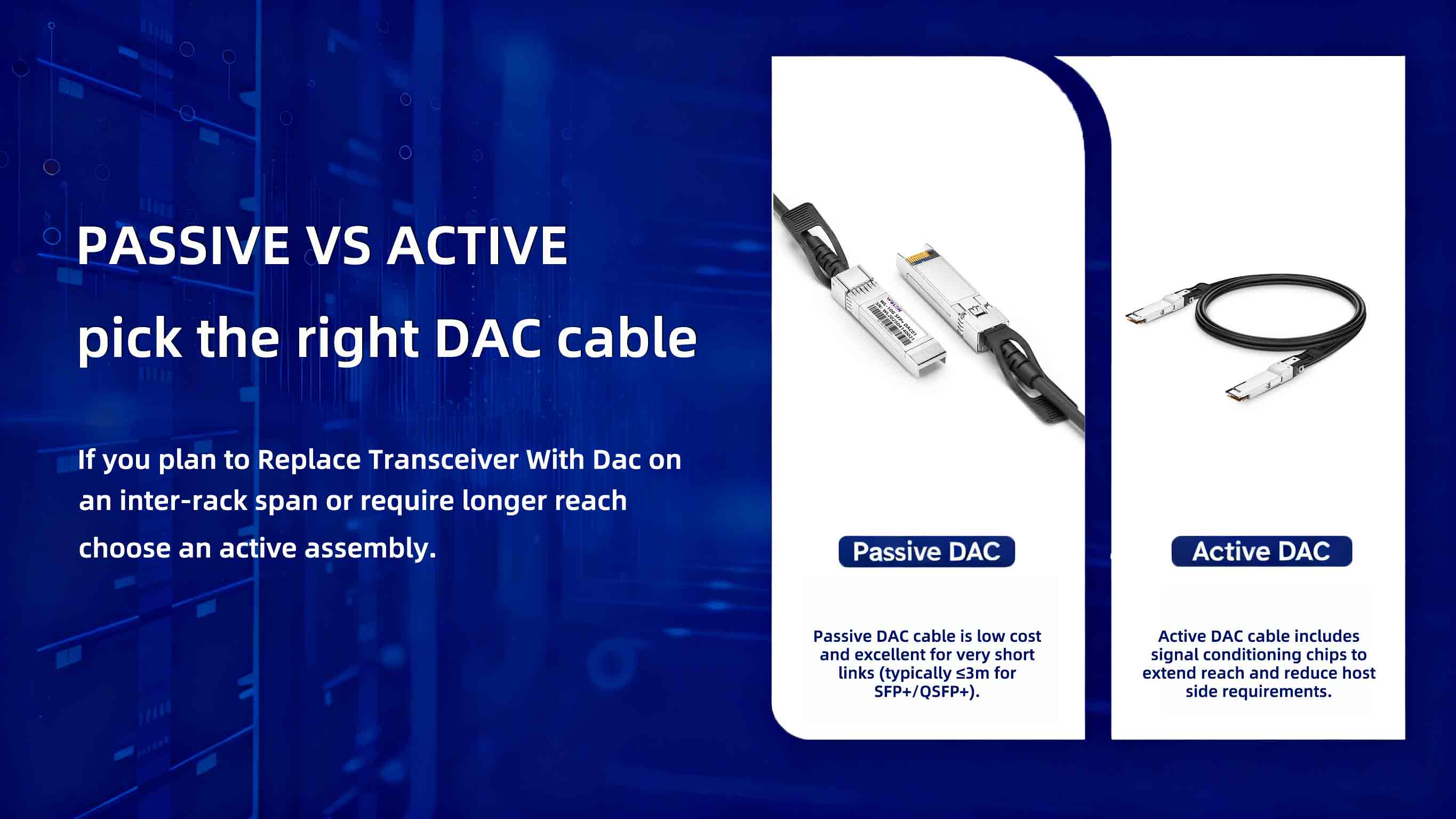
Passive DAC cable is low cost and excellent for very short links (typically ≤3m for SFP+/QSFP+).
Active DAC cable includes signal conditioning chips to extend reach and reduce host side requirements.
If you plan to Replace Transceiver With Dac on an inter-rack span or require longer reach, choose an active assembly. Also check power consumption and thermal impact: active assemblies draw more power than passive ones.
Vendor lock and compatibility policies — read before you buy
Some switch vendors implement firmware checks that refuse non-OEM transceivers or DAC Transceiver firmware signatures. Before you Replace Transceiver With Dac, consult your switch vendor’s compatibility notes and third-party compatibility matrices (many cable manufacturers publish per-switch compatibility lists). Even when hardware is MSA-compliant, firmware lockouts or subtle differences can cause a port to not come up. Plan to test a sample on the exact switch model and OS version you run.
Pre-deployment checklist
When preparing to Replace Transceiver With Dac, run this checklist:
-
Confirm port type and speed (SFP+, QSFP+, QSFP28).
-
Verify MSA compliance for the DAC cable model.
-
Confirm passive vs active choice matches distance and power budget.
-
Cross-check vendor compatibility lists and firmware notes.
-
Order a small number of samples for lab verification before fleet roll-out.
Following these checks reduces surprises when moving from pluggable optics to a DAC Transceiver solution.
Lab test procedure (must do this)
Never roll out at scale without lab tests. At minimum:
-
Insert the DAC Transceiver into identical switch and NIC port models as your production devices.
-
Run link-up and sustained throughput tests (iperf or equivalent) across all negotiated speeds.
-
Verify error counters, CRC, and link stability for 24–72 hours under load.
-
Confirm temperature and power behavior under typical rack conditions.
-
Test any features that depended on the branded transceiver (LLDP/CDP, SFP DOM) because behavior can differ when you Replace Transceiver With Dac.
Real-world reports show that switch-side firmware or OS upgrades can change compatibility characteristics — retest after any planned platform upgrade.
Deployment best practices
If your lab tests are clean, deploy gradually:
-
Start with a non-critical pod or rack.
-
Maintain a mixed inventory (OEM pluggables + DAC cable spares) for fast rollback.
-
Monitor link counters, packet loss, and environmental metrics closely for the first 72 hours.
-
Keep replacement and RMA procedures clear: ensure the cable vendor accepts returns for incompatibility with specific switch models.
A staged approach lets you validate assumptions and avoid cascading outages when you Replace Transceiver With Dac.
Monitoring and lifecycle
After deployment, monitor for intermittent drops, error spikes, or temperature shifts that may indicate marginal signal integrity in a DAC Transceiver link. Maintain firmware and OS patch logs so you can correlate any change in behavior to a software update — this is crucial because vendors sometimes tighten compatibility checks in updates. Keep your DAC cable vendor Contact and spare stock as part of your operational runbook.
When not to replace: risk vs reward
There are cases where you should not Replace Transceiver With Dac:
-
When the path exceeds the maximum validated distance for the chosen DAC cable.
-
When the switch vendor explicitly prohibits third-party assemblies (or your support/warranty would be jeopardized).
-
When the interface requires optics for specific features (for example, some breakout or OTN deployments).
In those scenarios, the modest savings are not worth operational or contractual risk. Third-party optics and DAC Transceiver assemblies are widely used successfully, but they demand due diligence.
Summary checklist
Before you Replace Transceiver With Dac:
-
Verify MSA compliance and port type.
-
Choose passive vs active DAC cable to match distance and power.
-
Check vendor compatibility lists and firmware behavior.
-
Lab test for 24–72 hours under load; stage rollout.
-
Monitor continuously and keep rollback spares.
Replacing branded transceivers with compatible DAC Transceiver solutions can cut costs and simplify short-reach connectivity — provided you respect standards, validate in lab and stage the rollout. Use MSA-compliant DAC cable assemblies, follow vendor notes, and keep a conservative deployment plan: that’s how you Replace Transceiver With Dac safely and sustainably.