
Modern access networks are under pressure. Faster Wi-Fi radios, heavier end-user applications, and denser device counts mean a single 1 Gbps uplink at the access point or desktop can become the bottleneck. Enter multi-gig ports — a pragmatic middle ground that delivers more bandwidth without the cost and cabling upheaval of 10 Gigabit Ethernet. This article explains what 2.5G and 5G multi-gig ports are, how they work, when to use them, and practical deployment caveats you should know.
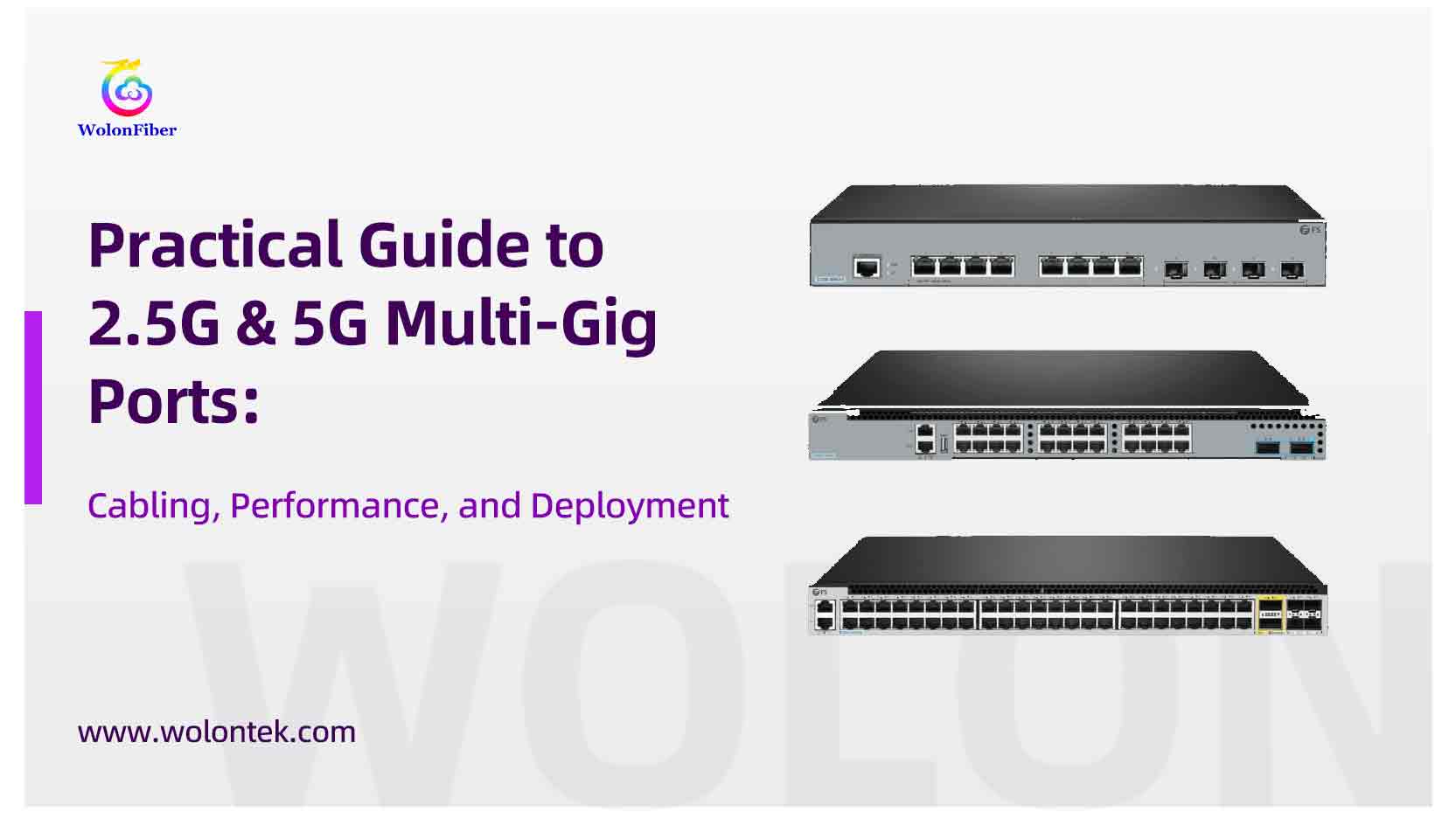
The simple definition
A multi-gig port is an Ethernet port capable of negotiating and operating at several link speeds — commonly 1 Gbps, 2.5 Gbps, 5 Gbps and sometimes 10 Gbps — over standard twisted-pair copper cabling. The defining standard that enabled this class of ports is IEEE 802.3bz (often marketed as NBASE-T), which specifies 2.5GBASE-T and 5GBASE-T physical layers that can run over Cat5e and Cat6 cabling under most practical conditions. In short: you get more speed without ripping out the horizontal cabling.
How they work
Rather than inventing a brand-new cable medium, IEEE engineers adapted the modulation techniques used by 10GBASE-T and slowed them down. The result: lower signaling frequencies that tolerate the electrical characteristics of existing Cat5e/Cat6 installations while still pushing multi-gigabit throughput. Multi-gig ports perform link training and automatic negotiation to select the fastest stable speed the cable and connected devices can sustain. Manufacturers implement this in silicon (PHY chips) that support multiple speeds in a single port.
Real-world performance: what to expect
Standards say 2.5G and 5G can work up to 100 meters over Cat5e/Cat6 in ideal conditions, but “ideal” is the key word. In practice:
-
2.5G: Frequently runs to 100 m on good Cat5e runs with correct terminations and modest electromagnetic interference (EMI). Many installations report consistent 2.5G operation on clean office cabling.
-
5G: More sensitive to cable quality and environmental factors. Cat6 and Cat6a are more likely to sustain 5G at full channel distance; Cat5e can work on short, tidy runs but may be unreliable in long, bundled, or noisy environments.
Factors that most commonly limit achievable speed are alien crosstalk (nearby cable bundles), poor terminations/patch panels, and proximity to heavy electrical sources. Always validate suspect runs with a cable certifier if you plan to rely on full-distance multi-gig links.

Why organizations adopt multi-gig ports
There are four practical drivers:
-
Wi-Fi uplinks: Modern Wi-Fi 6/6E and Wi-Fi 7 access points can generate traffic well above 1 Gbps. A 2.5G or 5G uplink lets a single AP reach its full capacity without requiring a second cable or 10G ports.
-
Cost vs. benefit: 10G ports and associated cabling (Cat6a, switch hardware) remain more expensive. Multi-gig delivers 2.5–5× bandwidth increases at materially lower cost and power.
-
Future-proofing incrementally: Organizations can upgrade ports and NICs over time while keeping installed cabling. It smooths the transition path toward larger wired bandwidths when and if budgets allow.
-
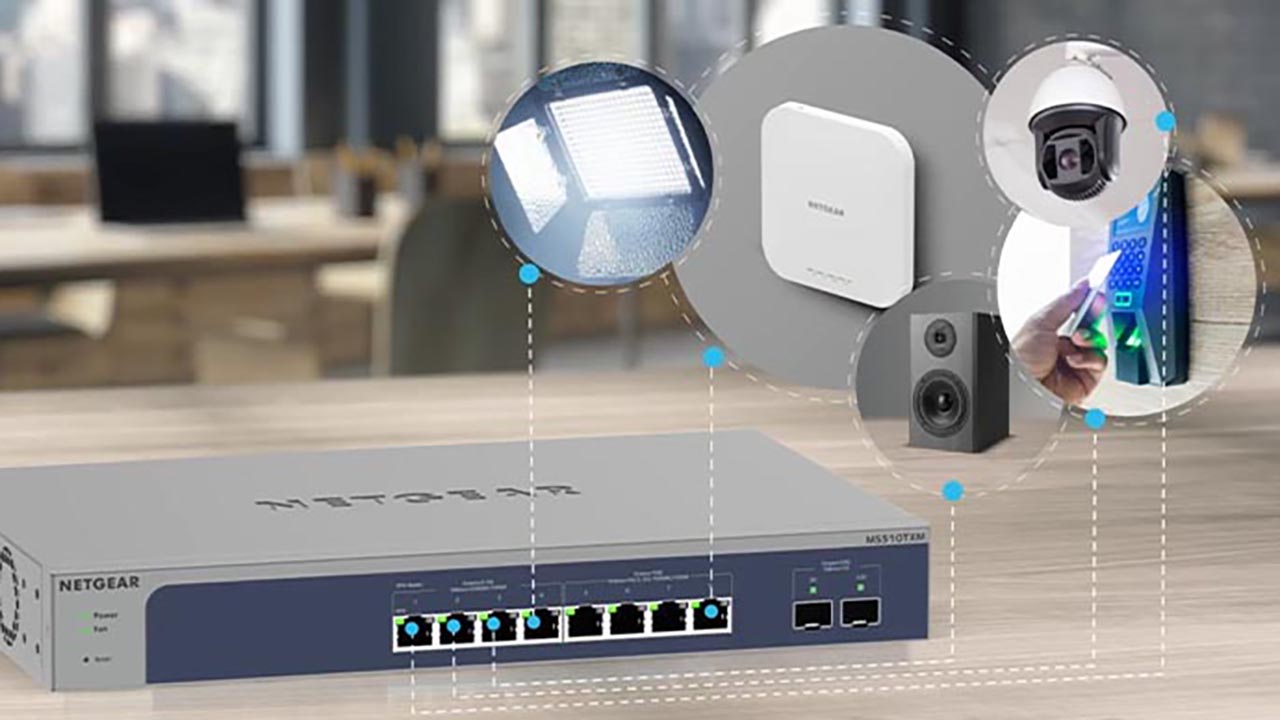
PoE and consolidated infrastructure: Many multi-gig switches support PoE+ or higher and can power advanced APs and cameras while providing higher throughput — reducing the need for middleboxes or separate uplink strategies.
Where multi-gig makes the most sense
-
Wireless AP backhaul: Single-cable APs are the canonical use case — a 2.5G port is often enough; 5G is attractive where multiple radios or high client density exist.
-
Small office / branch aggregation: When multiple gigabit clients sit behind a single uplink, multi-gig can relieve contention at modest cost.
-
Content-creation workstations and light server roles: Video editors or local storage use cases that don’t justify 10G yet can benefit from 2.5/5G links.
Practical deployment checklist
-
Audit cable plant — identify types (Cat5e, Cat6, Cat6a), cable age, and whether runs are bundled or near power cabling. Short, neat runs with quality patch cords increase your odds of a stable multi-gig link.
-
Test suspect runs — use a certifier or at least a reliable cable tester before assuming 5G will work on older Cat5e.
-
Buy switches with negotiated speeds — look for switches that explicitly list 2.5G/5G support and that expose per-port negotiation status in their management UI. Broadcom-based PHYs are common in multi-gig silicon.
-
Plan PoE budgets — multi-gig APs often draw PoE; ensure switches can supply the required power under multi-port, multi-device scenarios.
-
Label and document — where you have mixed cabling, clearly document which runs can reliably do 5G vs. 2.5G to avoid surprises later.
Limitations and things vendors tend to gloss over
-
Not a magic guarantee: The standards allow operation over existing cabling, but physical limitations remain. If your runs are long, damaged, or heavily bundled, you might not get the advertised speeds.
-
Power and heat: Multi-gig silicon can run hotter and draw more power than fixed 1G ports, especially in high-density switches. Account for this when planning racks and airflow.
-
Vendor feature differences: Management features, PoE handling, and real-world signal resilience vary between vendors’ implementations. Buy from vendors who publish test results or partner with recognized silicon providers.
Quick decision guide
-
If you’re wiring a new building to support future 10G and high PoE, invest in Cat6a and 10G hardware.
-
If you’re upgrading access points today and want a minimal-disruption, high-value uplift, enable 2.5G ports — they’re the most tolerant of legacy Cat5e.
-
Choose 5G if you have high-density Wi-Fi, consolidated uplinks with many gigabit endpoints, or short, high-quality Cat6 runs where you need the extra headroom.
Final takeaway
2.5G and 5G multi-gig ports are a pragmatic, standards-based step between 1G and 10G. They let organizations extract meaningful bandwidth increases from existing copper cabling and are especially compelling for modern Wi-Fi deployments and moderate-scale uplink aggregation. However, the technology isn’t a universal fix — success depends on honest cable assessment, proper testing, and selecting hardware that matches your environment and growth plans.